






18 / FLOW
Business integrations & automation
Connecting websites, CRMs, forms and services to remove time-consuming manual steps.
Describe the process to automate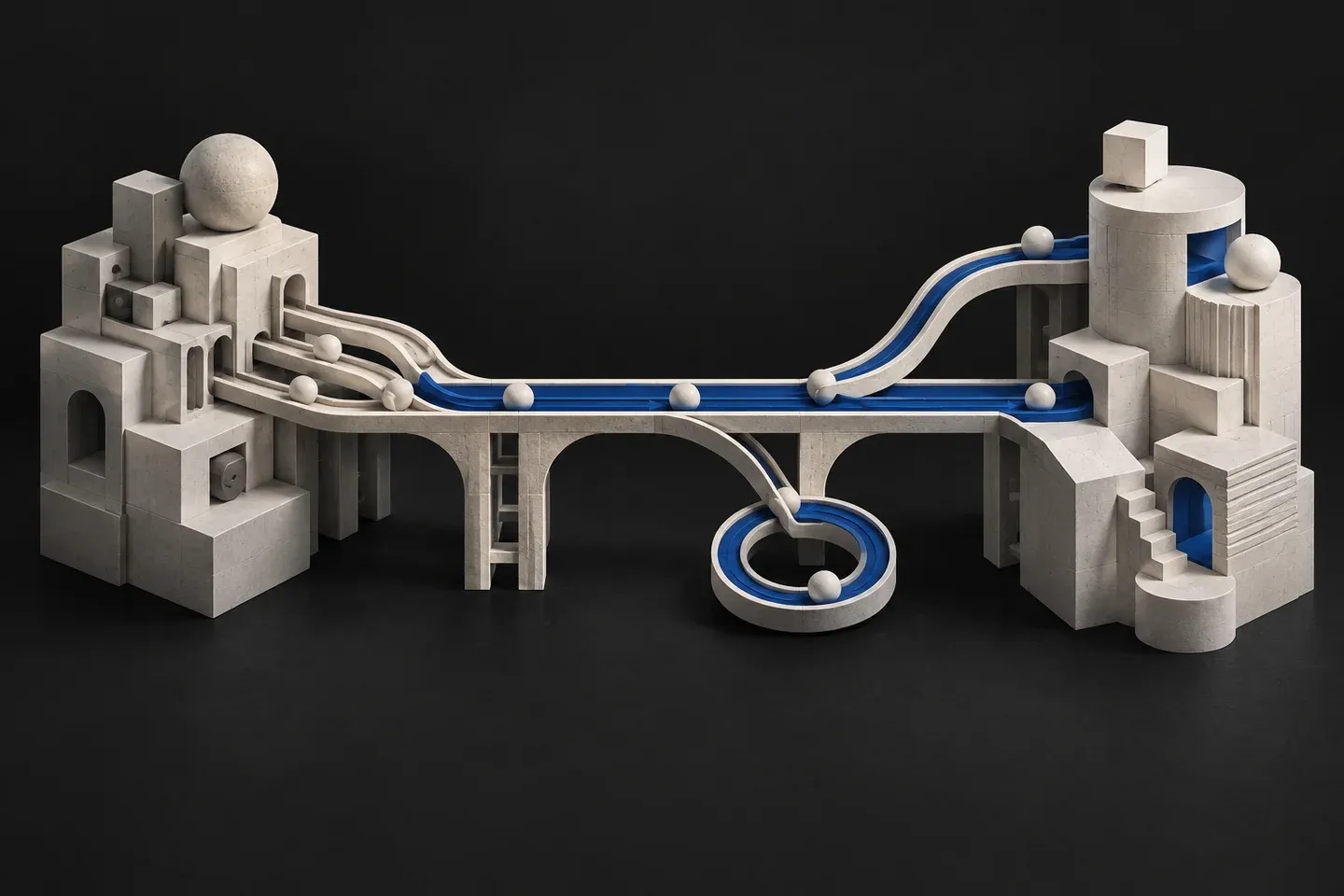
An automation needs to handle exceptions as well as the ideal path. We map data, responsibilities and connected systems, then define what happens when errors, duplicates or access failures occur.
How we work
Review the process and APIs
Implement the workflow and error handling
Test and hand over operations
Technology and implementation choices
Documented APIs, webhooks and CRM connections, subject to provider access and limits.
Who this service suits
For workflows with repeated transfers between forms, CRMs and external services. An integration targets a defined process with data validation and clear responsibilities.
What shapes the proposal
API documentation, access, provider limits and exceptions determine feasibility and scope. Retry, duplicate prevention and alerts are designed for agreed scenarios. Third-party subscriptions and ongoing operation are specified separately.
What you receive beyond the deliverable.
- Fewer manual data transfers
- Documented rules and exceptions
- Visibility of workflow execution
Deliverables
- Workflow and data map
- Agreed integrations and rules
- Failure tests and operations guidance
FAQ
Can any application be automated?
No. We first confirm API access, permissions, limits and provider conditions.
What if a connected system stops responding?
Retry, notification and manual intervention are defined for agreed scenarios so failures do not remain invisible.
Request a proposal